
Relocation & settling in • 6 min read
Working from Home in the UAE: Finding a Layout That Supports Your Routine
A good home workspace needs more than room for a desk. Compare light, sound, connectivity and the way work will fit around the rest of the household.
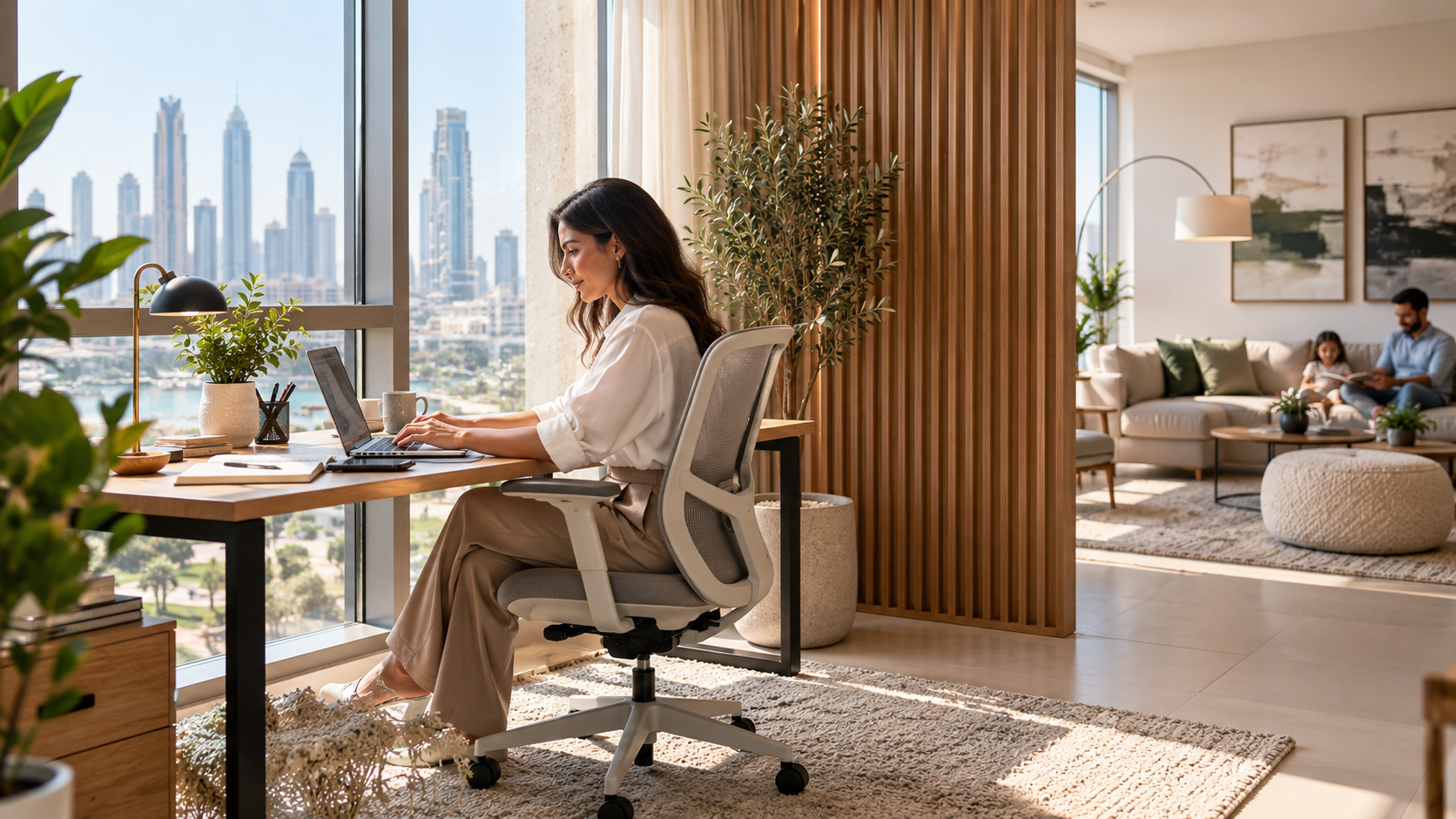
A listing photograph can make almost any corner look like a home office. Put a laptop on a narrow table, add a chair and the idea is easy to sell. Living with that arrangement for several working days is a different test.
The right layout depends on the work you do and who shares the home. Regular calls, detailed screen work, confidential documents and occasional email do not need identical setups. Before choosing a property or assigning a spare room, describe the working day you need the space to support.
01Write a working-day brief
Start with the tasks, equipment and hours. Note how often you take calls, whether you need a second screen, what paperwork is involved and when concentration matters most. Include any employer requirements for information security, equipment or working arrangements. A property choice does not itself establish permission to run a business or receive clients at home.
If another person also works or studies from home, compare schedules. Two people on simultaneous calls may need separation even when one desk is used only part of the week. A shared dining table can work for some occasional tasks, but it should not be assumed to support every routine.
Identify what would make the arrangement fail. That might be repeated interruption, a room without useful ventilation, an unsuitable equipment position or no place to store confidential documents. These are stronger search criteria than simply requiring an extra bedroom labelled study.
02Measure the workstation and the space around it
Place the intended desk, chair and equipment on the room plan. Include space to sit down, move the chair and reach storage without blocking a door or circulation route. Think about where cables and power connections will go, and have electrical work assessed by a qualified person rather than stretching improvised connections across a walkway.
The UK HSE's homeworking guidance recommends assessing the actual workstation and whether the equipment supports a comfortable, sustainable posture. That is useful ergonomic guidance; the UK legal duties described on the page should not be presented as UAE employment law. Discuss individual needs and any discomfort with the appropriate employer or qualified professional.
A larger room is not always necessary, but the arrangement needs to fit the person and task. If the desk will share a guest room, draw both configurations. Count the time and storage needed to switch between them, rather than imagining the room can serve two conflicting purposes at once.
03Test daylight and sound at the proposed desk
Stand or sit where the screen would be and look at the window, overhead lighting and nearby reflective surfaces. Consider how the conditions change during working hours. A bright room can be pleasant while still creating an awkward screen reflection at a particular desk position.
The HSE workstation checklist includes screen glare, reflections and the user's comfort among the issues to assess. Use that as a prompt to examine the real setup. A photograph taken at one time of day cannot tell you how a screen will feel through a full afternoon.
Listen with the room door both open and closed, where possible. Notice household routes, nearby lifts, traffic and equipment noise. A short viewing is not an acoustic test or a guarantee of quiet. If sound separation is central to the decision, gather more evidence or obtain appropriate specialist advice rather than relying on a general description of peaceful surroundings.
Swipe or use arrow keys to view all columns.
| Working need | Layout question | Practical check |
|---|---|---|
| Frequent calls | Can speech be separated from household activity? | Test the intended room and door position |
| Screen-based work | Can equipment fit with usable light? | Check screen placement and reflections |
| Documents or equipment | Is storage secure and accessible? | Measure what must be retained |
| Shared room | Can both uses work without conflict? | Draw each arrangement and its storage |
| Long sessions | Can the setup be adjusted to the user? | Review actual equipment and support needs |
04Confirm connectivity where it will be used
Ask the service provider about availability at the exact unit and how the connection would reach the proposed workspace. Do not equate a neighbourhood's coverage with a confirmed installation, or the advertised access speed with the Wi-Fi experience through several walls. Discuss the actual equipment and simultaneous household use.
When moving an existing connection, the e& Home Move guide separates disconnection at the old address from installation at the new one. Confirm the equivalent arrangement with your provider and allow for the appointment. A lease start date does not automatically mean the internet is ready that morning.
Keep an appropriate contingency for essential work while setup is incomplete, agreed with the employer or provider where needed. The utilities and internet guide covers the wider service checklist. Avoid choosing a room only for its appearance and leaving connectivity as a problem to solve after furniture has been installed.
05Give work a place without giving it the whole home
Decide what happens to work materials at the end of the day. A separate room can close behind you, while a shared area may need a cabinet or a simple packing-away routine. The aim is to make the transition practical rather than leaving screens, papers and cables permanently across the space used for meals or relaxation.
Agree household expectations about calls, interruptions and shared equipment. Those arrangements should recognise that other people also live there. A closed door can signal a meeting, but it should not become an unexplained barrier to the rest of the household. Revisit the arrangement if work hours or family needs change.
If several generations share the property, the extended-family home guide helps connect private work with shared routines. Consider whether the home offers another comfortable place for people displaced from the working area. A setup that functions only when everyone else is silent or absent may not be sustainable.
06Review the setup after real use
Once the workspace is in use, keep a short record of what interrupts or complicates the day. Is the screen position awkward? Are calls affected by a predictable household activity? Is useful storage too far away? Make a specific adjustment and check whether it solves the issue before buying more equipment.
Some problems belong to the furniture arrangement; others belong to the property. A desk can move, but a room on the main circulation route may remain difficult for private calls. Understanding the difference helps you avoid spending repeatedly on accessories that cannot address the underlying layout.
A successful home workspace does not need to resemble a corporate office or a styled photograph. It needs to support the tasks, fit the user and coexist with the home around it. That is the standard to use when comparing properties and when refining the arrangement after moving.
Sources
Research reviewed 30 October 2026. Publication dates and measurement periods are provided with each source.
- UK HSE: working with display screen equipment at homeGuidance dated 4 June 2024, checked 30 October 2026; UK legal provisions are not UAE law
- UK HSE: display-screen workstation checklistOfficial assessment checklist checked 30 October 2026; individual setup still needs review
- e& UAE: Home Move serviceProvider-specific scheduling guidance checked 30 October 2026
Property costs, ownership and contract terms vary by home. Speak with Aliyas about the details relevant to your search.