
Digital real estate • 5 min read
Creating a Digital Property Folder: Keeping Your Home Documents Organised
Create a property file you can actually use: clear names, separate versions, controlled sharing and recoverable copies. Keep sensitive records apart from everyday viewing material.
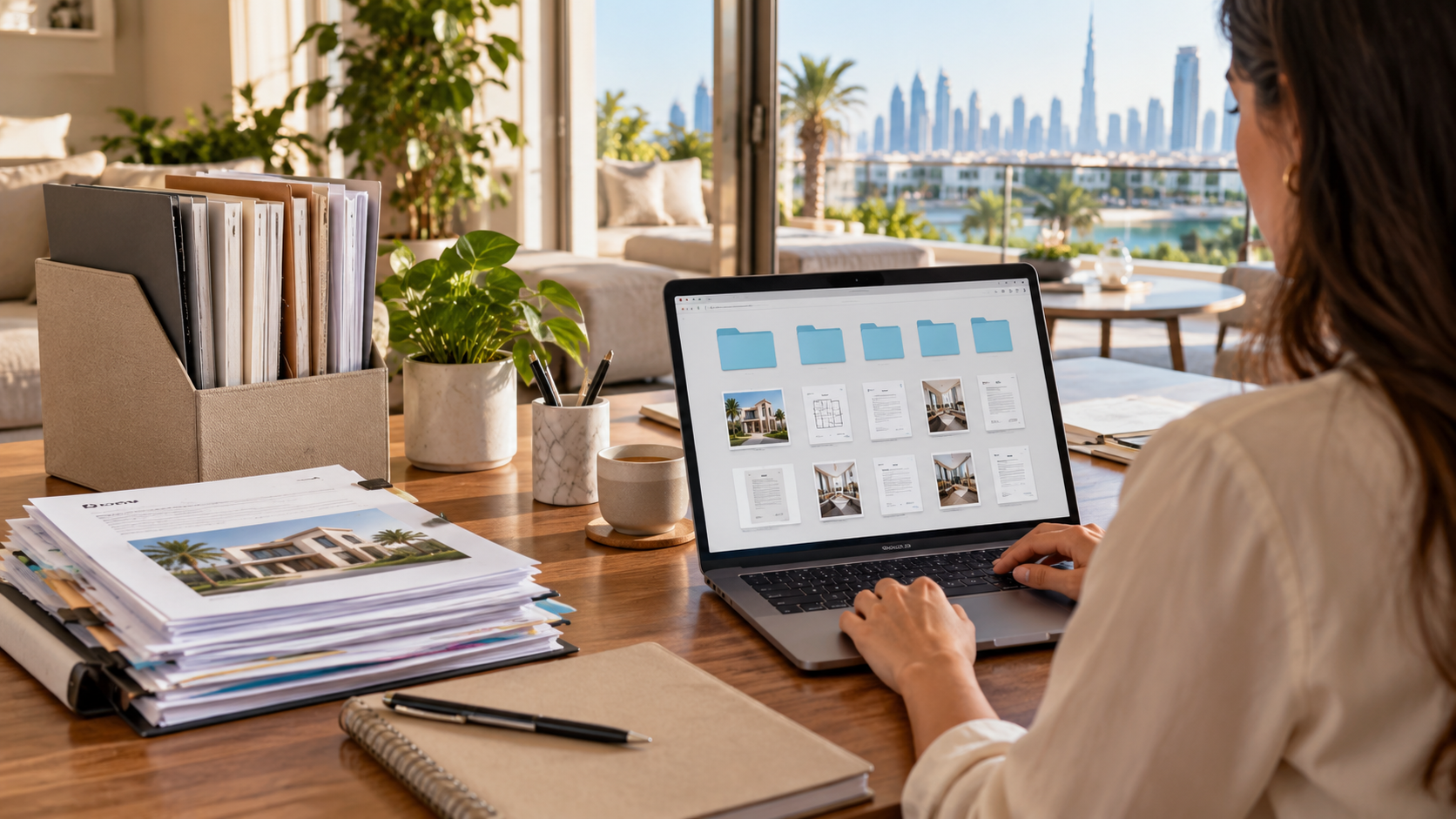
The document you need is often somewhere in the conversation, just not in the conversation you are searching. A floor plan arrived by email, a receipt sits in a messaging app and the latest agreement has almost the same filename as the draft. A digital property folder should remove that uncertainty.
It does not need a complicated system. It needs a clear place for each record, a reliable way to identify the current version and sensible control over who can see it. Build the structure early, while the collection is still small, and it can support the search, purchase, move and later maintenance.
01Organise around the questions you will need to answer
Begin with a small set of folders: search material, agreements, payments, property records, handover and maintenance. Adjust the names to your situation rather than creating dozens of empty categories. If you are comparing several homes, give each one a distinct property reference before mixing any documents together.
Ask what you would need to find in a hurry. Which plan was discussed at the viewing? What did the signed agreement say? Which invoice belongs to the appliance repair? A useful structure follows those questions, not the order in which files happened to arrive.
Create a simple index listing the key documents, their date and where they are stored. Mark missing items honestly. An empty field labelled awaiting confirmation is better than a folder that appears complete because nobody has recorded the gap. The remote-search guide shows how this helps when several people are coordinating.
02Use names that distinguish the document and its version
Choose a consistent pattern such as property reference, document type, date and status. For example, a sample filename could be Home-A_Layout_2026-10-30_Received.pdf. The purpose is to make the file understandable without opening it, not to enforce one universal naming convention.
Keep signed or issued originals separately from annotated working copies. Do not overwrite a source document when adding notes or extracting pages. Where a later version replaces an earlier one, record that relationship and retain what is needed for the transaction or applicable record-keeping requirements.
Avoid vague labels such as final-final. A date and a clear status are more useful, especially when an agreement moves between several people. Confirm the legal or official status through the relevant process; a filename containing signed does not establish that the document is valid or complete.
03Share the smallest useful set of records
Separate general search documents from identity, financial and other sensitive records. A person helping you compare layouts does not automatically need access to the entire purchase file. Create a limited sharing area for the task rather than exposing the parent folder by default.
Google Drive's sharing documentation explains viewer, commenter and editor access and how folder permissions can be inherited. These are platform-specific controls, but they illustrate a broader habit: inspect the actual audience and permission level before sending a link. The appearance of a familiar sharing button does not tell you who can open the contents.
Check recipients using a verified address and confirm whether they need access to one file or an ongoing folder. Avoid public-link access for sensitive records. Review access when the task ends or a person's role changes. The privacy guide for property searches covers the questions to ask before providing personal documents.
Swipe or use arrow keys to view all columns.
| Folder | Typical contents | Access approach |
|---|---|---|
| Search | Plans, viewing notes and listing references | Share only with search participants |
| Agreements | Issued and signed versions, correspondence | Limit to relevant parties |
| Payments | Invoices, receipts and verified records | Treat financial information as sensitive |
| Handover | Condition reports and equipment records | Share according to task |
| Maintenance | Manuals, service records and warranties | Keep identity documents elsewhere |
04Protect access and plan for recovery
Use the storage provider's current security settings and understand how account recovery works. The FBI's consumer guidance recommends keeping software updated and using multifactor authentication. Those measures support account protection; they do not make every file-sharing decision safe.
Keep an appropriately protected recovery copy of essential records and test that you can open it. Synchronisation and recovery are different questions: ask what happens if a file is accidentally deleted, changed or made unavailable through an account problem. Review the provider's actual recovery and retention terms rather than assuming a cloud icon guarantees permanent access.
Store recovery information securely and make a plan for a trusted authorised person to access necessary records if you are unavailable. Do not put passwords in a widely shared property spreadsheet. The arrangement should preserve control while avoiding a situation where one lost device leaves the household unable to find important documents.
05Record decisions as well as attachments
Documents explain more when the surrounding decision is preserved. Keep a short dated note of what was agreed, who confirmed it and which version of the evidence was used. Link to the relevant file rather than copying the same document into several unrelated folders.
After a call, record unresolved questions and the person responsible for the answer. Do not turn an informal note into a claim that a formal approval has been obtained. Label your own observations and interpretations separately from issued records.
For maintenance, add the equipment model, service date and work carried out. A photograph of a label can be useful if taken appropriately and stored with the relevant manual. Over time, these small records make it easier to describe a problem to a technician or understand what a previous repair involved.
06Keep the system small enough to maintain
Set aside a brief review after each major stage: shortlist, agreement, handover and move-in. File the new material, check current sharing permissions and update the index. Resolve duplicates carefully without deleting originals or records that may need to be retained.
Before disposing of anything, distinguish convenience copies from documents with legal, financial or practical value. Seek appropriate advice about retention where necessary; there is no single period in this guide that applies to every UAE property record.
The folder is working when someone authorised can find the right document, identify its status and understand why it matters. It should reduce repeated requests and uncertainty, not become another administrative project. A clear, modest structure that is kept current is more useful than an elaborate archive nobody trusts.
Sources
Research reviewed 30 October 2026. Publication dates and measurement periods are provided with each source.
- Google Drive: sharing roles, inheritance and access controlsPlatform documentation checked 30 October 2026; features may depend on account type
- FBI: consumer account and software security guidanceGeneral guidance checked 30 October 2026; no security guarantee or UAE retention rule
Property costs, ownership and contract terms vary by home. Speak with Aliyas about the details relevant to your search.