
Digital real estate • 5 min read
Protecting Your Personal Information During an Online Property Search
Share property-search information deliberately: verify the recipient, understand the purpose and use the right channel. Keep account credentials and unexpected login requests out of the transaction.
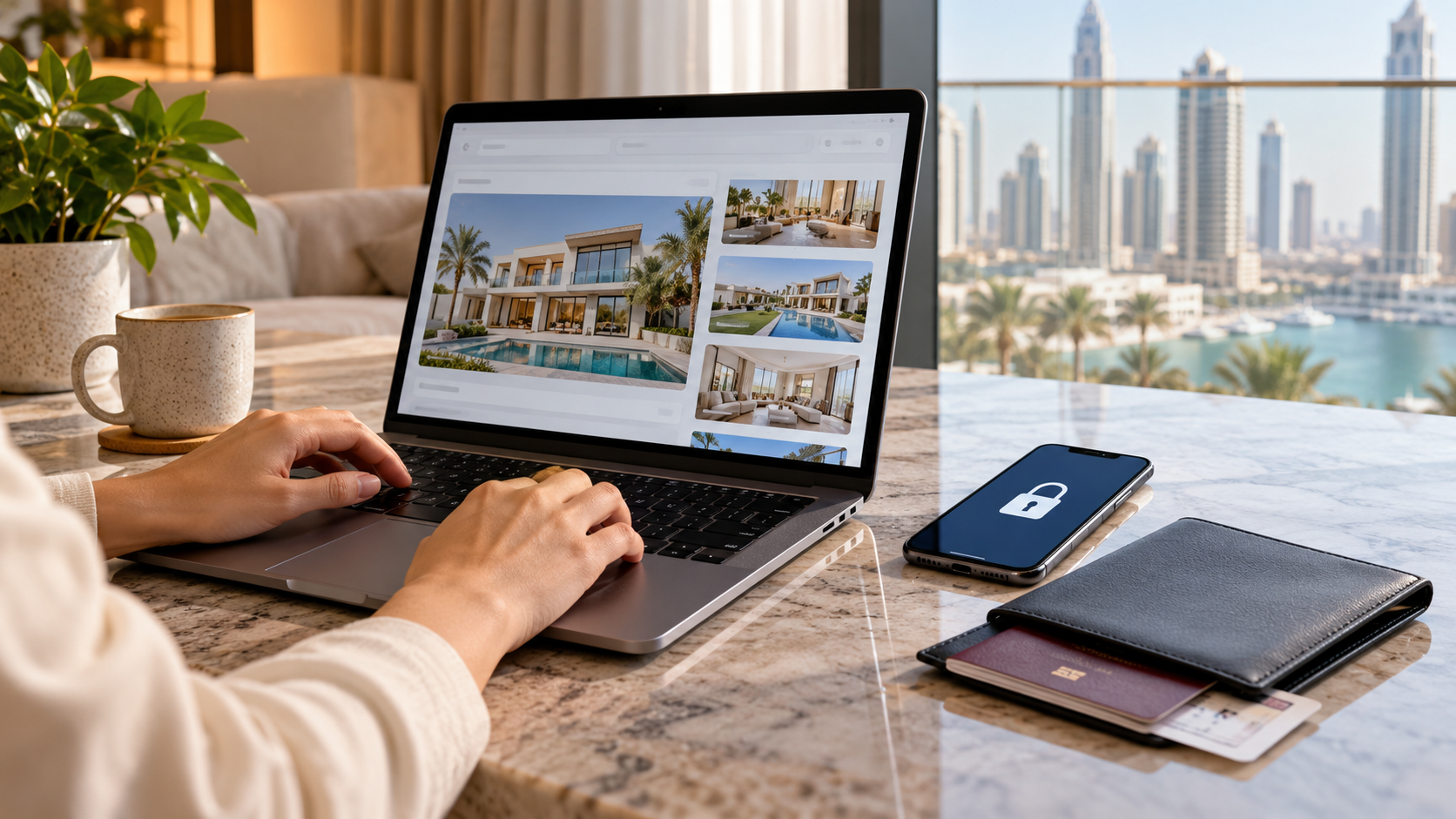
A property enquiry can begin with a name and a preferred viewing time, then grow into a collection of identity documents, financial records and signed agreements. Some information is legitimately needed at later stages. The question is whether the right person needs that information now, for a clear purpose, through a suitable channel.
Good privacy habits should make a search more controlled, not impossible. You can cooperate with legitimate checks while asking why a document is required and confirming who will receive it. Urgency, a familiar logo or a friendly message should not remove those basic questions.
01Match the information request to the stage
An early enquiry, a viewing arrangement and a formal transaction are different stages. Ask what information is required for the specific task and who is requesting it. Do not send a complete identity and finance pack simply because a generic form includes an upload box.
Legitimate identification, compliance and financial checks may require documents at the appropriate point. Confirm those requirements through the responsible regulated or official party rather than assuming that every request is either harmless or fraudulent. Where you do not understand a request, ask for its purpose and the accepted secure method of delivery.
Keep a simple record of what you shared, with whom and when. That record can help if a later message asks for the same material through a different channel. It also reduces unnecessary duplication across several brokers, service providers or informal helpers.
02Verify the person before trusting the message
Check the organisation and the person's role through independently obtained contact details. Avoid using only a telephone number or link supplied in the message you are trying to verify. A genuine company name can be copied into an unrelated email or messaging profile.
The FBI's consumer safety guidance advises contacting a business through another route when a message may be phishing. Apply that general habit to unexpected requests for documents, changed payment instructions or pressure to act immediately. It is not a substitute for the official property checks relevant to the transaction.
Read the full destination address before signing in or uploading information. If something is inconsistent, pause the dependent action and contact the verified organisation. Do not let the fear of losing a viewing slot or a purported offer turn an unresolved identity question into an accepted risk.
03Keep authentication under your own control
Digital Dubai and TDRA's March 2026 UAE PASS warning describes fraudulent messages and unauthorised login requests. The authorities advise cancelling requests you did not initiate and not sharing credentials or verification codes. A request appearing inside an authentication app is not automatically legitimate if you did not start it.
Distinguish an official process you have deliberately opened from a person asking you to approve something while they guide the conversation. Read what the request says and confirm the purpose through the official service if uncertain. Do not share an OTP, account password or recovery code to help someone complete a property enquiry.
If a legitimate transaction requires your digital approval, use the verified process and understand the action before approving it. Authentication is not a courtesy to an agent or caller; it is an action on your account that needs to remain under your control.
Swipe or use arrow keys to view all columns.
| Request | Check first | Safer next step |
|---|---|---|
| Identity document | Who needs it and for what stage? | Use the verified accepted channel |
| Financial record | Which information is actually required? | Confirm scope with the responsible party |
| Shared-folder link | Who can access the contents? | Limit the audience and permissions |
| Unexpected login approval | Did you initiate this action? | Cancel and verify through official support |
| Changed payment details | Has the change been independently confirmed? | Pause payment until verified |
04Share a controlled copy without damaging the original
Keep the issued original securely and prepare a separate sharing copy when appropriate. If you want to redact unnecessary information or add a visible purpose note, first confirm that the receiving organisation accepts that format. Do not obscure information required for a legitimate check or alter an official record deceptively.
Check the complete file, including extra pages and attachments, before sending it. A document may contain more information than the page you intended to share. Avoid sending an entire folder when one file is sufficient.
The digital property-folder guide explains how to separate sensitive records and working copies. Review who can access a link and remove unnecessary ongoing access when the task is finished, while observing any relevant retention obligations. Do not assume withdrawing a link retrieves copies someone has already received.
05Protect the devices and accounts used for the search
Use the security features available on your accounts and keep devices under your control. Lock a device when it is unattended and avoid leaving sensitive documents visible on shared screens. If other people help with the search, give them an appropriate way to access the necessary information rather than sharing your personal login.
Be deliberate about downloading attachments or installing an app suggested by an unfamiliar contact. Confirm the official source and the reason the software is needed. Keep control of your own device during a property viewing and use official channels for documents.
Consider where you are when reviewing or sending private information. A public setting can expose a screen or conversation even when the online service itself is legitimate. Small practical choices, such as postponing a sensitive document review until you have privacy, can support the wider security process.
06Respond promptly when something seems wrong
Stop the affected action and use official support channels for the account or service involved. If money or banking access may be affected, contact your bank through a verified route promptly. Follow the relevant UAE reporting process where appropriate rather than relying on overseas reporting instructions from a general security article.
Preserve useful records such as the message, sender details and time without continuing to interact with suspicious links or attachments. Seek suitable technical help if a device or account may be compromised. Avoid assuming that deleting the message alone resolves what happened.
For an overseas purchase, agree these verification habits in advance with the people assisting you; the remote-search guide helps define roles. A controlled search leaves a clear trail of legitimate requests and decisions. That makes unusual changes easier to recognise before they become part of the transaction.
Sources
Research reviewed 30 October 2026. Publication dates and measurement periods are provided with each source.
- Digital Dubai and TDRA: UAE PASS phishing warning19 March 2026 official warning, checked 30 October 2026
- FBI: recognising suspicious requests and verifying through another channelGeneral consumer guidance checked 30 October 2026; use applicable UAE reporting channels
Property costs, ownership and contract terms vary by home. Speak with Aliyas about the details relevant to your search.