
Digital real estate • 5 min read
Smart-Home Features Worth Comparing in UAE Properties
Judge connected-home features by useful routines, manual controls, compatibility and support. A good demonstration should explain what works when the app or internet is unavailable.
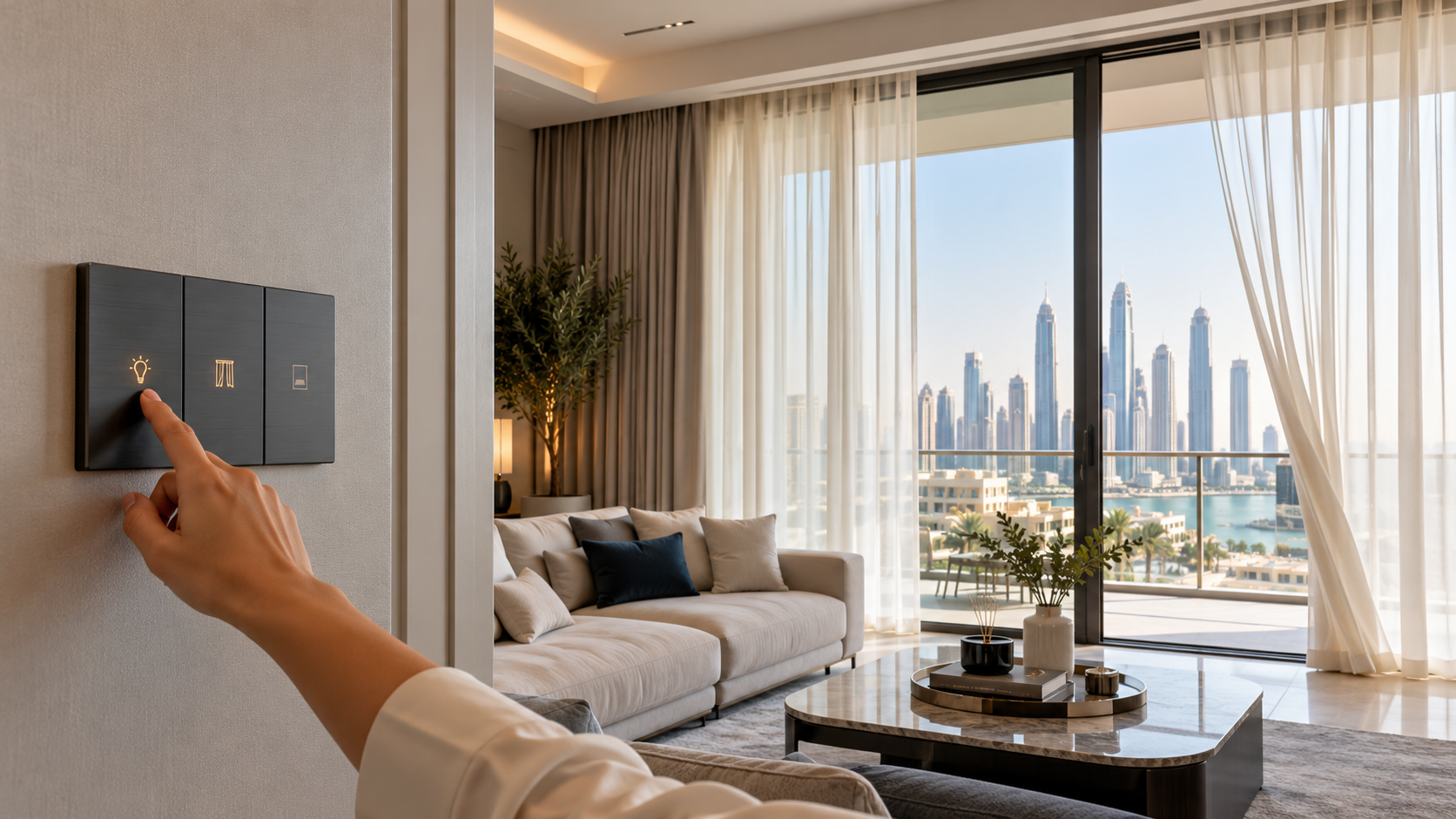
A smart-home demonstration often begins with everything happening at once: lights dim, curtains move and a screen changes colour. The more revealing demonstration is quieter. Can a visitor turn on a light? Can the owner change an account? What still works if the internet connection is unavailable?
Connected features can be convenient, but their value depends on the actual installation and the people living with it. Compare specific functions, ongoing responsibilities and the handover process. A long equipment list is less useful than a small set of features that work reliably and remain understandable after the installer has left.
01Begin with a routine worth improving
List the moments when automation would help: controlling lights from an accessible position, adjusting a permitted thermostat, managing curtains or receiving an appropriate maintenance alert. Describe the desired outcome without assuming a particular product is necessary.
Then ask whether a simpler arrangement would meet the same need. A well-placed conventional switch may solve an access problem more directly than an app. A connected feature earns its place when it reduces effort without making an ordinary task harder for another household member.
Consider visitors and future occupants. A system should not depend entirely on one person's phone, memory or willingness to troubleshoot. If you are buying a property with installed devices, ask which functions are actually included in the sale and which belong to a demonstration, subscription or optional package.
02Check the exact devices and their relationships
Request a schedule of product models, controllers, required services and supported functions. Broad statements such as compatible with everything are not a substitute for a tested configuration. Ask the supplier to demonstrate the features you intend to use with the actual controls provided.
The Connectivity Standards Alliance's Matter FAQ explains that Matter uses local connectivity and that remote access for Matter-only devices needs an internet-connected controller. It also describes bridges for some other technologies. This does not mean every feature of every device will appear in every app.
Keep the explanation focused on the installation you are considering. Which controller is required? Who supplies it? What happens when a device is replaced? Avoid paying for promised future compatibility unless the commitment and consequences are clearly documented and acceptable to you.
03Ask for a demonstration of ordinary failure conditions
With the responsible installer, agree safe ways to demonstrate what happens when an app is unavailable or an internet connection is interrupted. Do not disconnect building systems or equipment during a viewing without authorisation. The aim is to understand behaviour, not create a fault.
Check manual operation of everyday features and ask how the system recovers after a power interruption. Find out which settings remain and which may need attention. Any access-control or safety-related equipment requires particular care and appropriate professional guidance; a casual demonstration is not a safety certification.
Ask how someone obtains support and whether the system can be maintained by another qualified provider. A feature that works only with one unavailable installer may create a practical problem later. Record contact details, support terms and the procedure for changing ownership.
Swipe or use arrow keys to view all columns.
| Question | Ask to see or receive | Decision relevance |
|---|---|---|
| What is included? | Exact device and service schedule | Avoid comparing unequal packages |
| Can it work manually? | Normal wall or device controls | Everyday use should remain clear |
| What needs internet? | Function-by-function explanation | Understand outages and remote access |
| Who owns the accounts? | Transfer and reset procedure | Remove dependence on prior users |
| Who maintains it? | Update and support terms | Plan the life of the installation |
04Treat accounts and privacy as part of the property handover
Ask who can currently access each system and how previous users will be removed. Confirm the official ownership-transfer or reset procedure with the manufacturer or installer. Do not accept a shared password as the complete handover of a connected home.
The FBI's consumer online-safety guidance recommends unique account credentials and multifactor authentication where available. Those are general security practices, not a guarantee that a particular device or installation is secure. Review the manufacturer's own account and update instructions as well.
For devices that collect recordings or other personal information, understand what is collected, where it is stored and who can access it. Respect household members, visitors and applicable rules. The online property-search privacy guide provides related questions about sharing information through digital services. More connectivity should not mean less clarity about responsibility.
05Compare the ongoing cost and maintenance
Ask about subscriptions, batteries, replacement parts and support visits. Separate included services from optional ones and request the current terms rather than relying on a sales conversation. A small recurring charge can still matter if several systems require separate accounts or plans.
Find out how updates are delivered, who is responsible for applying them and what support period the manufacturer states. Ask what happens if an online service is discontinued. There may not be a guaranteed answer for every future event, but the uncertainty belongs in the comparison.
For cooling or lighting controls, avoid assuming a particular reduction in bills. Savings depend on equipment, installation, settings and use. The lighting design guide shows how to separate a transparent electricity calculation from a promise about real household spending. Convenience and measurable savings are different claims.
06Choose a system the household can live with
Give each regular user a chance to try the controls. Watch whether simple actions require explanation and whether the interface is readable and reachable. Agree a sensible default arrangement rather than programming a large number of routines before understanding what people want.
Collect manuals, model numbers, account-transfer records and support details in the property file. Confirm any building or landlord permission for installation or alteration, and use appropriately qualified professionals for permanent electrical or integrated work.
A useful smart home does not need to perform a show every time someone enters. Its best features may be the ones that quietly make a familiar task easier. Choose those features on evidence, with a clear way to operate, maintain and eventually replace them.
Sources
Research reviewed 30 October 2026. Publication dates and measurement periods are provided with each source.
- Connectivity Standards Alliance: Matter FAQProtocol and controller guidance checked 30 October 2026; exact device capabilities still require verification
- FBI: consumer online-safety guidanceGeneral account-security guidance checked 30 October 2026; US reporting instructions not applied to UAE
Property costs, ownership and contract terms vary by home. Speak with Aliyas about the details relevant to your search.